October is Cyber Security Awareness Month. Over the next four weeks, we’ll focus on the skills and simple actions that can help keep our University community secure.
Each week will cover a different cyber security topic, with practical advice and challenges to help you recognise and respond to common cyber threats.
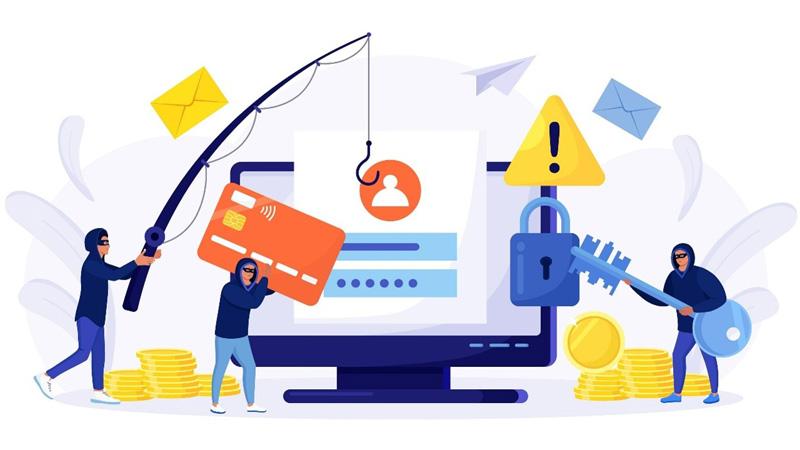
Cyber threats are evolving, and phishing attacks are becoming harder to spot. Attackers use AI, impersonation and trusted-looking services to trick you into clicking links, opening attachments or sharing sensitive information.
Cyber security starts with all of us. Pause, question unexpected messages and report anything suspicious to help protect yourself and our university community.
Remember: one moment of caution can help prevent a major incident.
Six warning signs of modern phishing
- Lookalike sender addresses: "westminster-helpdesk.net" instead of "westminster.ac.uk". AI now makes these near-perfect - always check the full address.
- Artificial urgency: "your account will be deleted in 24 hours." Panic is the point - it stops you thinking. Slow down instead.
- Suspicious links: the button says "University Portal." The URL says "secure-login-university.xyz." Always hover before you click.
- Requests for passwords or other credentials: IT staff will never ask for your password or MFA code by email. Not once. Not ever. If they ask - it's a scam.
- Unexpected attachments: an invoice you never requested. A "payslip" from a stranger. The attachment is the attack - don't open it.
- Familiar services can be misused: emails from Sharepoint, DocuSign, or shared Gmail bypass spam filters.
What should I do if I receive a suspicious email?
- Don't click links, open unexpected attachments or provide personal information such as your password or MFA code.
- Report it: you can use the Report Phishing button in Outlook, available from the toolbar or by right clicking the email. Alternatively, you can contact the Service Desk on +44 (0)20 7915 5488 or [email protected].
- Ask for help: if you're unsure whether an email is genuine, contact the Service Desk using the official university contact details above.
This week's challenge
Do you think you've mastered the warning signs?
Put your phishing knowledge to the test with this week's challenge. It takes less than five minutes and gives you an opportunity to see how well you can identify common phishing techniques.
Take the quiz 'Phishing Knowledge Check' via this online form.
Working Safely Online
Are you looking for more advice on protecting your data and staying secure at Westminster?
Our Working Safely Online guidance provides information about passwords, safe networks, backing up your work and other ways to stay secure online.
Related articles


